
Introduction
Blocking a number on your Android device is a powerful tool for managing your communications. It allows you to control who can contact you, providing a shield against unwanted calls and messages. But what exactly happens when you block a number, and how does it affect the broader communication landscape on your Android phone? This article explores these details, offering you actionable insights and methods to make the most of Android’s blocking features.
The Process of Blocking a Number on Android
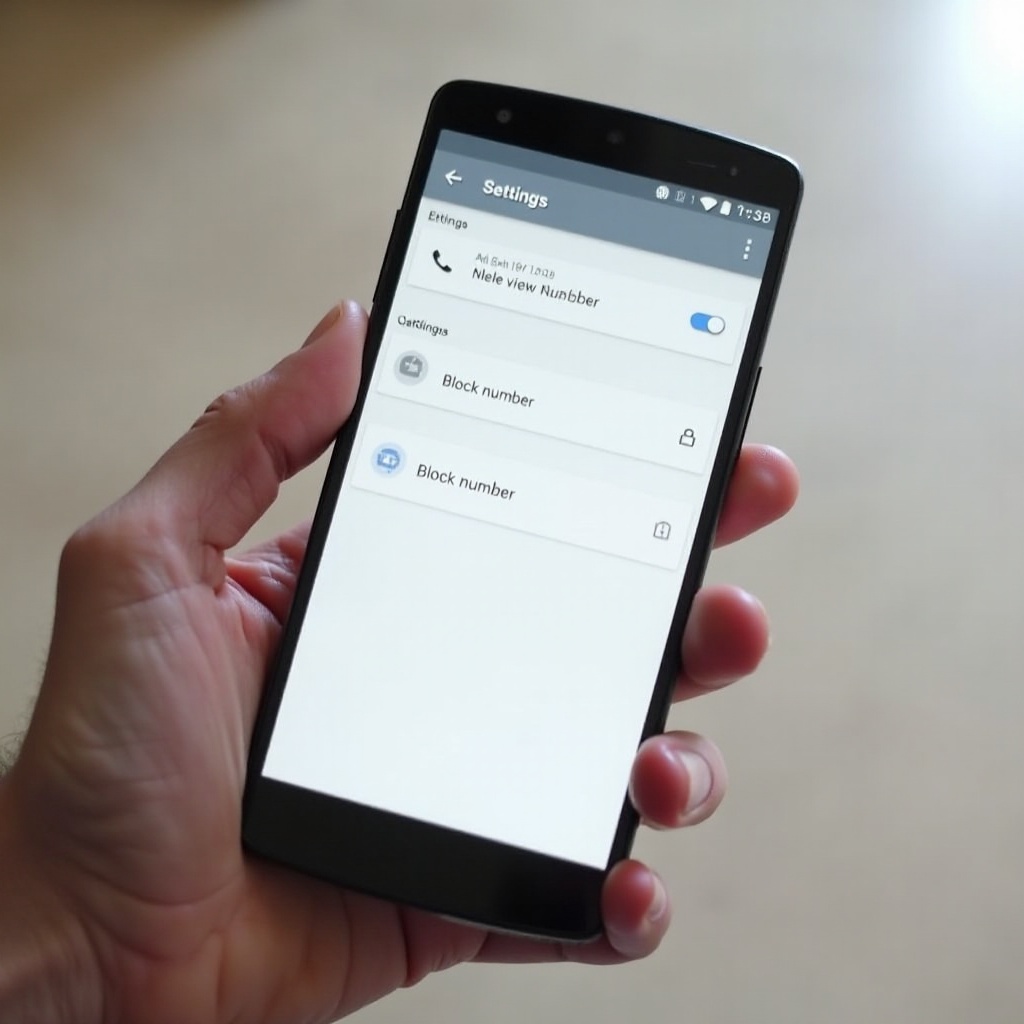
Blocking a number on your Android phone is a straightforward process. Here’s how you can do it step-by-step:
- Access the Phone App: Open the Phone app on your Android device.
- Navigate to Recent Calls or Contacts: Scroll through your call history or contact list to find the number.
- Select the Number: Tap on the number or contact name to view options.
- Choose Block or Report Spam: Select ‘Block’ or ‘Block/report spam’ from the menu.
While the process is similar across Android devices, slight variations may exist based on the device manufacturer or Android version. Mastering this process grants you quick control whenever necessary.
Immediate Effects of Blocking a Contact
Once a number is blocked, several changes occur instantly in how your device handles communications. First, any calls from the blocked number are diverted to voicemail or automatically disconnected, ensuring they do not reach you. Text messages sent by the blocked number are not delivered to your device, shielding you from unwanted interruptions. Here’s a breakdown:
- Impact on Calls: Calls from blocked numbers are usually directed to voicemail, sparing you the immediate disturbance.
- Changes to Text Messages: The messaging app does not display texts from these contacts, though they may sometimes be stored in a special folder.
- Effects on Multimedia Messages: Much like SMS, MMS from blocked numbers are prevented from entering your main inbox.
Understanding these effects helps you appreciate the nuances of the blocking feature, making informed decisions about its use.
Understanding Notifications and Alerts
Blocking a number not only affects calls and messages but also streamlines your notifications. When a number is blocked, all related notifications are suppressed. This prevention ensures you remain undistracted by alerts from previously blocked contacts, enhancing the tranquility of your digital environment.
Managing Your Block List
After blocking numbers, managing your block list becomes essential. This ensures you don’t accidentally block important contacts and maintains the effectiveness of this feature.
- Viewing Blocked Numbers: Access your blocked list in the Phone app settings to review which numbers are currently blocked.
- How to Unblock a Contact: To remove a block, simply locate the number in your list and select ‘Unblock’.
- Additional Tools for Managing Contacts: Consider using apps or settings that can help categorize or manage blocked and unblocked contacts more efficiently.
By organizing your block list, you keep your communication streamlined and under control.
Technical Considerations Across Android Devices
Different Android devices and OS versions may have variations in how blocking features are executed. Phones from manufacturers like Samsung, Google, and others might exhibit unique interfaces and features. Additionally:
- Differences by Manufacturer: Although blocking functionality is consistent, user interfaces and extra functionalities may differ between brands.
- Compatibility with Third-Party Apps: Third-party apps for calling or messaging may have their own processes for handling blocked numbers, requiring tailored setups.
Knowing these nuances enables you to adapt your approach depending on your specific device and situation.
Conclusion
Blocking a number on Android is an effective way to safeguard your peace and privacy. By understanding the steps, effects, and management options associated with this feature, you ensure your communications are filtered according to your preferences, creating a more personalized and secure interaction with your smartphone.
Frequently Asked Questions
Can a blocked number know they are blocked?
No, Android does not notify blocked numbers, although the blocked caller might notice changes in call handling.
Will blocking a number affect calls from unknown numbers?
No, blocking specific numbers does not influence calls from unknown numbers unless the settings are adjusted accordingly.
How can I check if someone has blocked me?
You might notice that your calls go straight to voicemail, but there is no direct method to confirm if you’ve been blocked.