
Introduction
The alarm function on an iPhone is crucial for many people. Whether it’s waking up on time or reminding you of important tasks, a low or inaudible alarm can be inconvenient. If you’ve found yourself wondering, ‘Why isn’t my iPhone alarm loud?’, this guide will help you understand common causes and walk you through effective solutions to rectify these issues.
Common Causes for Low iPhone Alarm Volume
Before diving into solutions, understanding the potential causes of your alarm issue is essential. Often, the problem lies in:
– Incorrect volume settings. You might have inadvertently lowered the alarm volume.
– Do Not Disturb and Silent Modes. Either mode can suppress alarm sounds.
– Connectivity with Bluetooth or Headphones. Your alarm might play through these devices instead of the iPhone speakers.
– Software Issues. Occasionally, glitches in iOS can impact alarm volume.
These are frequently the culprits. Identifying them helps in applying accurate solutions.
Inspecting and Adjusting iPhone Settings
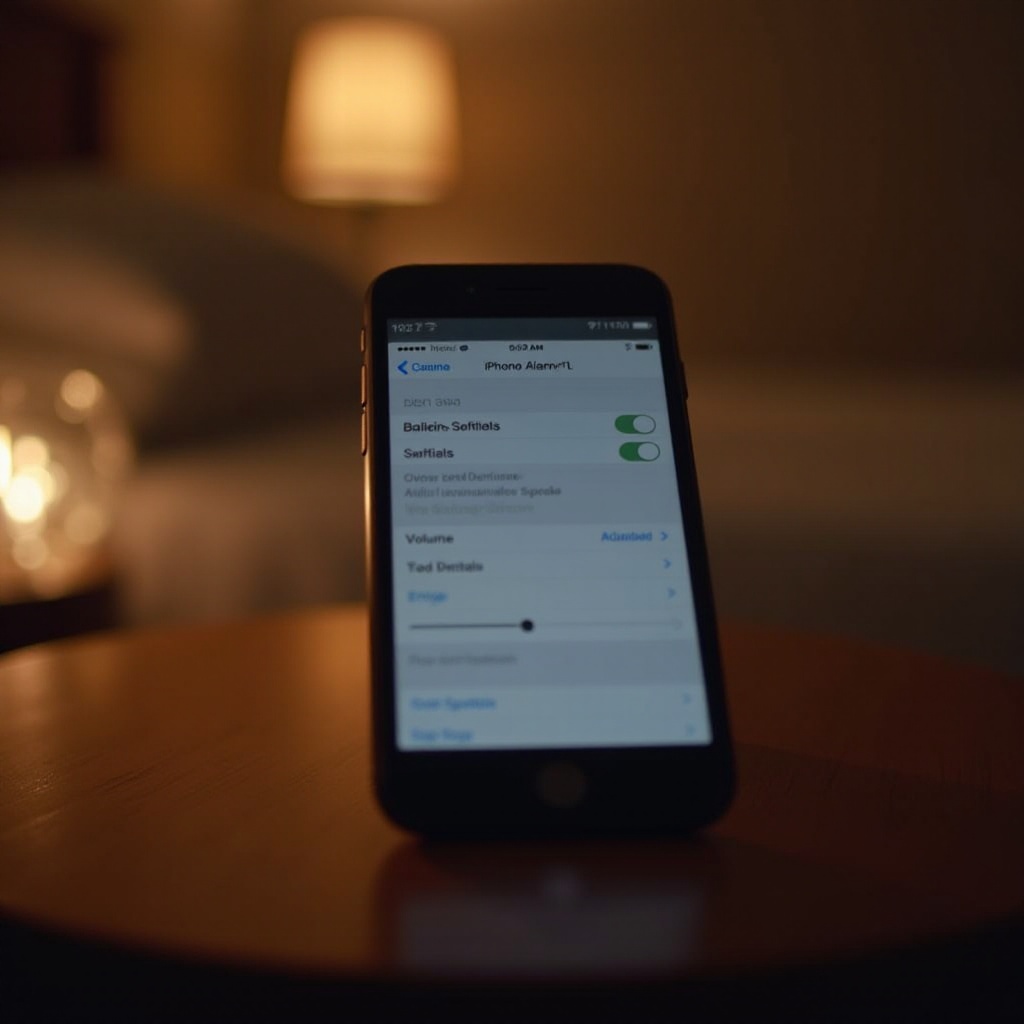
Start your troubleshooting journey by ensuring all settings on your iPhone are correct. Proper configurations often restore the alarm’s functionality.
- Checking and Adjusting Alarm Volume: Navigate to ‘Settings > Sounds & Haptics’ and adjust the ringer and alerts slider.
- Managing Do Not Disturb Mode: Disable it via ‘Settings > Focus > Do Not Disturb’. Make sure it’s not active when alarms are needed.
- Disconnecting Bluetooth and Headsets: Go to ‘Settings > Bluetooth’ and disconnect any devices.
- Verifying Sound and Haptic Settings: Check that ‘Change with Buttons’ in ‘Settings > Sounds & Haptics’ is activated.
With these adjustments, your iPhone should be primed for effective alarm functioning.
Advanced Troubleshooting Steps
If basic adjustments haven’t resolved the issue, more advanced steps might be necessary.
- Updating iOS for Bug Fixes: Ensure your iPhone runs the latest iOS by checking ‘Settings > General > Software Update’.
- Resetting All Settings: Reset to defaults without erasing data via ‘Settings > General > Transfer or Reset iPhone > Reset’.
- Performing a Hard Reset: Hold down power and volume buttons simultaneously until the Apple logo appears.
- Checking for Speaker Functionality: Play media to ensure speakers function properly, indicating if repairs might be needed.
These advanced steps can address persistent issues impacting alarm volume.

Enhancing Alarm Reliability
Beyond troubleshooting, maintaining a reliable alarm requires some proactive strategies. By following these tips, you’ll ensure your alarms stay effective:
- Selecting a Distinct Alarm Tone: Pick a loud, clear alarm in ‘Clock > Alarm > Edit > Sound’.
- Testing Alarms Regularly: Set test alarms throughout the day to confirm that they operate as expected.
- Exploring Third-Party Alarm Apps: Apps such as Alarmy or Sleep Cycle offer robust features and enhanced volume options.
These methods not only enhance reliability but also help you adapt should issues arise again.
Additional Solutions and When to Seek Help
Sometimes, traditional fixes and settings aren’t enough. In such cases, consider further assistance.
- Utilizing Apple’s Diagnostics: Visit an Apple Store or use online diagnostic tools to check for hardware issues.
- Exploring Repair Options: If your speaker is malfunctioning, a repair may be needed.
- Contacting Apple Support: When necessary, Apple’s support team can offer device-specific solutions and further guidance.
Understanding when to escalate the issue ensures that you receive the appropriate support, maximizing alarm functionality.
Conclusion
Addressing why your iPhone alarm isn’t loud involves understanding potential causes and applying strategic solutions. With the right adjustments and preventive steps, you’ll ensure your alarm remains a reliable tool for keeping your schedule on track.
Frequently Asked Questions
How can I ensure my iPhone alarm is loud enough?
Check your volume settings, make sure Do Not Disturb is off during alarm times, and select a loud, clear alarm tone.
What should I do if my iPhone alarm is still quiet after troubleshooting?
If basic adjustments don’t work, try advanced steps like resetting all settings or consult Apple Support.
Are there specific apps that can enhance my iPhone alarm volume?
Yes, apps like Alarmy and Sleep Cycle provide additional features for enhanced alarm volume and reliability.