
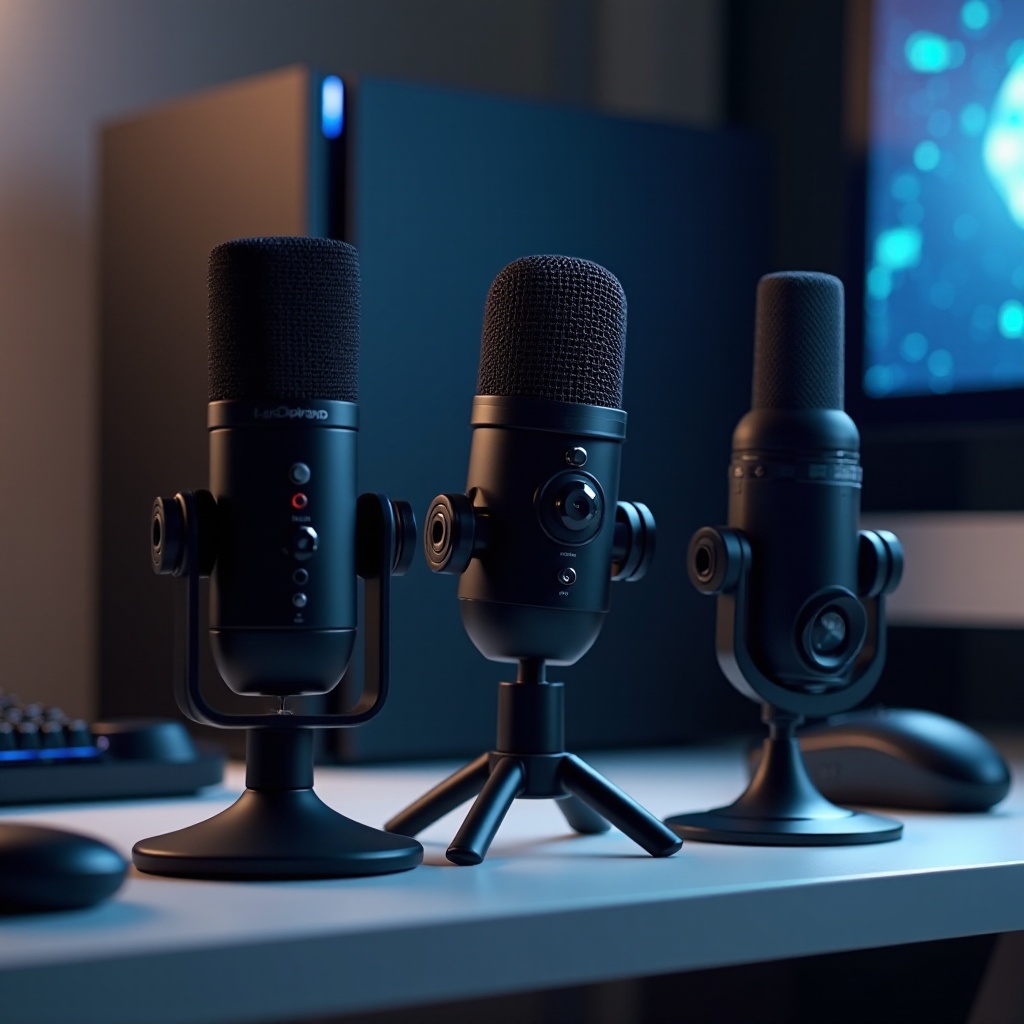
A great microphone can elevate your gaming experience on the PlayStation 5, be it during intense multiplayer battles or friendly chats. Superior communication enhances gameplay, and this guide is here to assist you with the essentials for choosing a mic, highlights from our top picks, suggestions for crucial accessories, and guidance on optimizing your setup.
Key Considerations When Choosing a Mic for PS5
In choosing the right microphone for gaming on your PS5, it’s important to consider several key factors that influence performance and compatibility.
-
Compatibility with the PS5: Ensure that the microphone integrates seamlessly with the PlayStation 5. Seek out products clearly marked as PS5-compatible or offering universal compatibility for gaming systems.
-
Sound Quality and Clarity: Sound quality is paramount. Select a microphone that delivers clear, crisp audio and minimizes background noise. Noise-canceling features are highly beneficial here.
-
Design and Comfort: Comfort is crucial for lengthy gaming sessions, so choose a microphone with an ergonomic design and lightweight feel. Over-ear designs or lightweight boom mics are often preferable for their ease of use.
-
Wired vs. Wireless Connectivity: Decide between the stability of wired connections and the maneuverability of wireless options. Wired mics typically ensure lower latency, while wireless models offer the freedom to move.
With these considerations in mind, you’re well-equipped to select a specific microphone model that suits your needs.
Top Microphone Picks for PlayStation 5
Having established what to look for, let’s review some top microphone models that cater to various gaming demands.
-
HyperX QuadCast S: The HyperX QuadCast S is celebrated for its impeccable audio quality and stylish design, enhanced by standout RGB lighting. It provides superior sound quality with its built-in pop filters and anti-vibration shock mounts for clarity in audio capture.
-
Blue Yeti X: The Blue Yeti X remains a top choice for gamers because of its professional-grade sound and excellent clarity. Its versatility, with multiple pickup patterns, makes it ideal for different gaming setups. Its robust build complements its seamless integration with the PS5, securing it as a popular option among gamers.
-
Razer Seiren X: Known for its portability, the Razer Seiren X delivers exceptional sound clarity without compromising its design. This mic uses precise audio capture technology and a sleek look, making it a valuable addition to any gaming collection.
These microphones strike a balance between quality, durability, and design, making them ideal choices for both novice and experienced PS5 gamers.
Additional Accessories to Enhance Your Gaming Audio Setup
Investing in a quality mic is just the start; enhancing your gaming setup with the right accessories can dramatically improve your audio experience.
-
Pop Filters: An effective tool for reducing unwanted noises from plosives, pop filters are an inexpensive but invaluable accessory that improves vocal clarity.
-
Mic Stands and Booms: Achieve optimal microphone placement with adjustable stands and booms, which provide comfort and flexibility for extended gaming sessions.
-
Soundproofing Tips: Though not precisely an accessory, soundproofing your gaming space can significantly boost audio quality. Use absorptive materials like foam panels or heavy curtains to minimize echo and ambient noise.
These add-ons can transform your setup from functional to professional, offering a more immersive and satisfying experience.
How to Set Up Your Microphone for the Best Performance on PS5
Once you’ve selected the right microphone and accessories, proper setup is essential to ensure optimal performance.
- Step-by-Step Setup Guide:
- Connect your microphone using the appropriate USB or audio ports on the PS5.
- Follow on-screen prompts to configure settings.
-
Adjust the mic’s position for optimal sound capture.
-
Optimizing Audio Settings:
- Navigate to the PS5’s audio settings.
- Fine-tune the mic sensitivity to prevent clipping.
-
Experiment with different settings to find the perfect balance for your setup.
-
Troubleshooting Common Issues:
- Start by checking all connections to ensure cables are secure.
- Restart the PS5 and reconnect the microphone if issues persist.
- Refer to the user manual or support for more severe problems.
By following these instructions, you can guarantee that your microphone functions effectively, providing clear communication and allowing you to focus on enjoying your game.
Conclusion
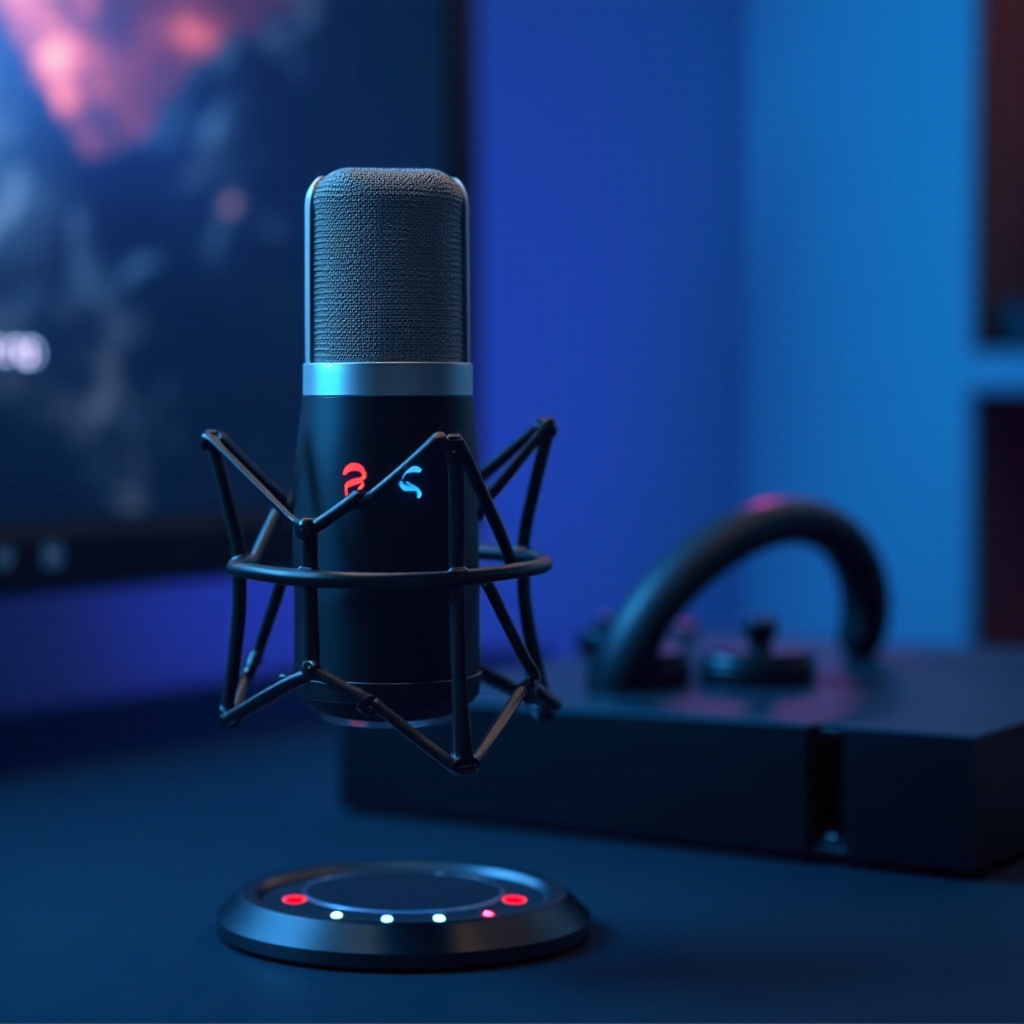
Selecting the best mic for the PlayStation 5 involves carefully considering compatibility, audio quality, and personal needs. High-quality picks like the HyperX QuadCast S, Blue Yeti X, and Razer Seiren X, accompanied by the right accessories, can dramatically enhance your gaming experience. With a well-optimized microphone setup, you ensure clear communication, letting your gameplay shine.
Frequently Asked Questions
Do all USB microphones work with PS5?
Most USB microphones are compatible with the PS5, but it’s important to verify compatibility for optimal performance.
Are wireless microphones reliable for gaming on PS5?
Wireless microphones provide great mobility but may occasionally face latency issues. Checking user reviews for responsiveness is advised.
How can I test my microphone quality on PS5?
You can conduct a voice test using the PS5’s microphone settings. This allows for adjusting and optimizing sound clarity.